
What’s New at Good Grief: A Few Months of Building for Families in Loss
When someone dies, the paperwork and decisions don’t wait for you to feel ready. Good Grief exists to turn that overwhelming list into something you can actually work through, one step at a time, with less guesswork and less going it alone.
Over the last several months we’ve gone from an early checklist experience to a fuller platform: accounts that remember your progress, a place for important documents, tools to organize your own tasks, help finding local vendors, and an assistant that knows your situation in the app. Here’s what we’ve shipped recently to help.
Your checklist, finally built for real life
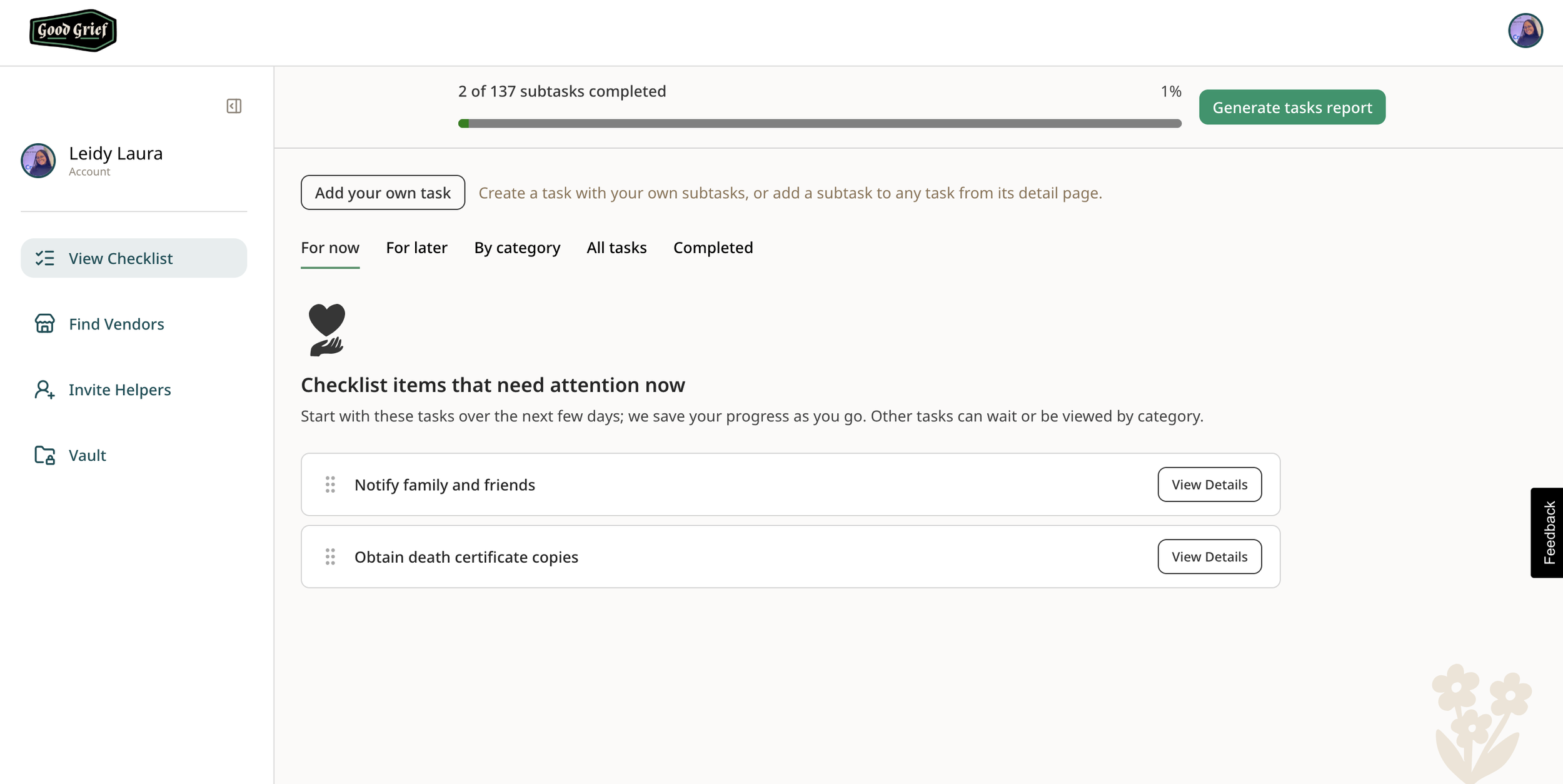
Good Grief is still built around the grief checklist: curated tasks and subtasks for the practical work after a loss. What’s new is how it works day to day. Your progress is always saved so that where you left off is where you can begin again. The tasks area has tabs for all tasks, custom tasks, and completed items, a progress bar, and category views when you want to focus on one area at a time.
Subtasks are richer too: descriptions, reminders, due dates, and notes for details like phone numbers or follow-ups. When you need something offline, you can download a PDF of your checklist to print, share with family, or bring to an appointment.
Customization that reflects your situation
The onboarding flow now captures more of what shapes your checklist, including names and date of death, and surfaces a gentle nudge to finish the quiz when you’re partway through.
You can’t anticipate everything. Not everything fits a template. With that in mind, we made it possible to add custom tasks and subtasks, duplicate subtasks you repeat often, and edit or delete what you created when plans change.
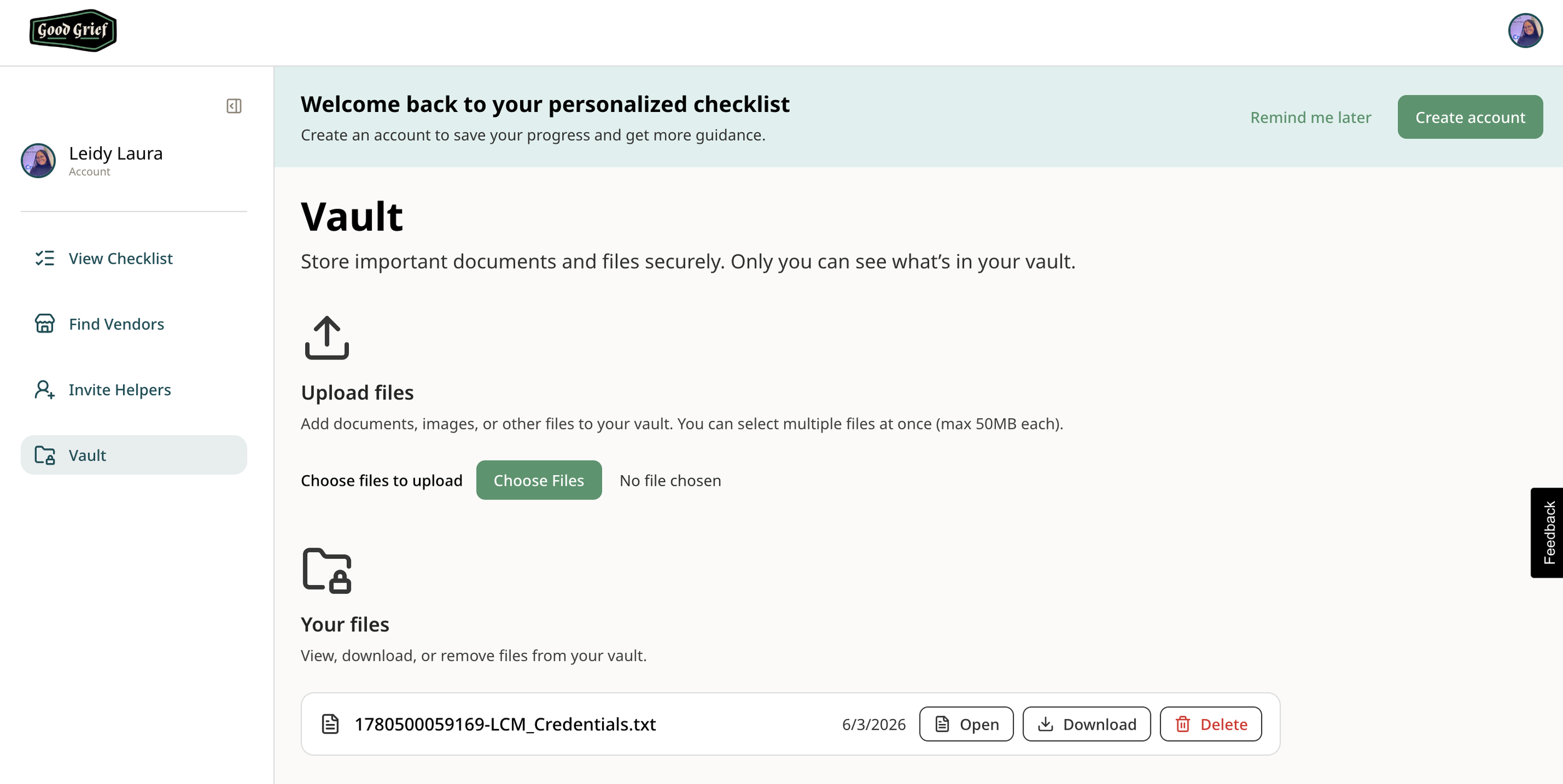
Document Vault: one place for the papers that matter
Death generates a pile of documents: policies, deeds, letters, IDs. The Vault gives signed-in users a dedicated space to store and organize files tied to their account, so critical paperwork isn’t scattered across email, camera rolls, and kitchen drawers.
The Grief Assistant can even help you find and open items in the vault when you ask, without you having to remember exact filenames.
Vendors: find local help when you need it
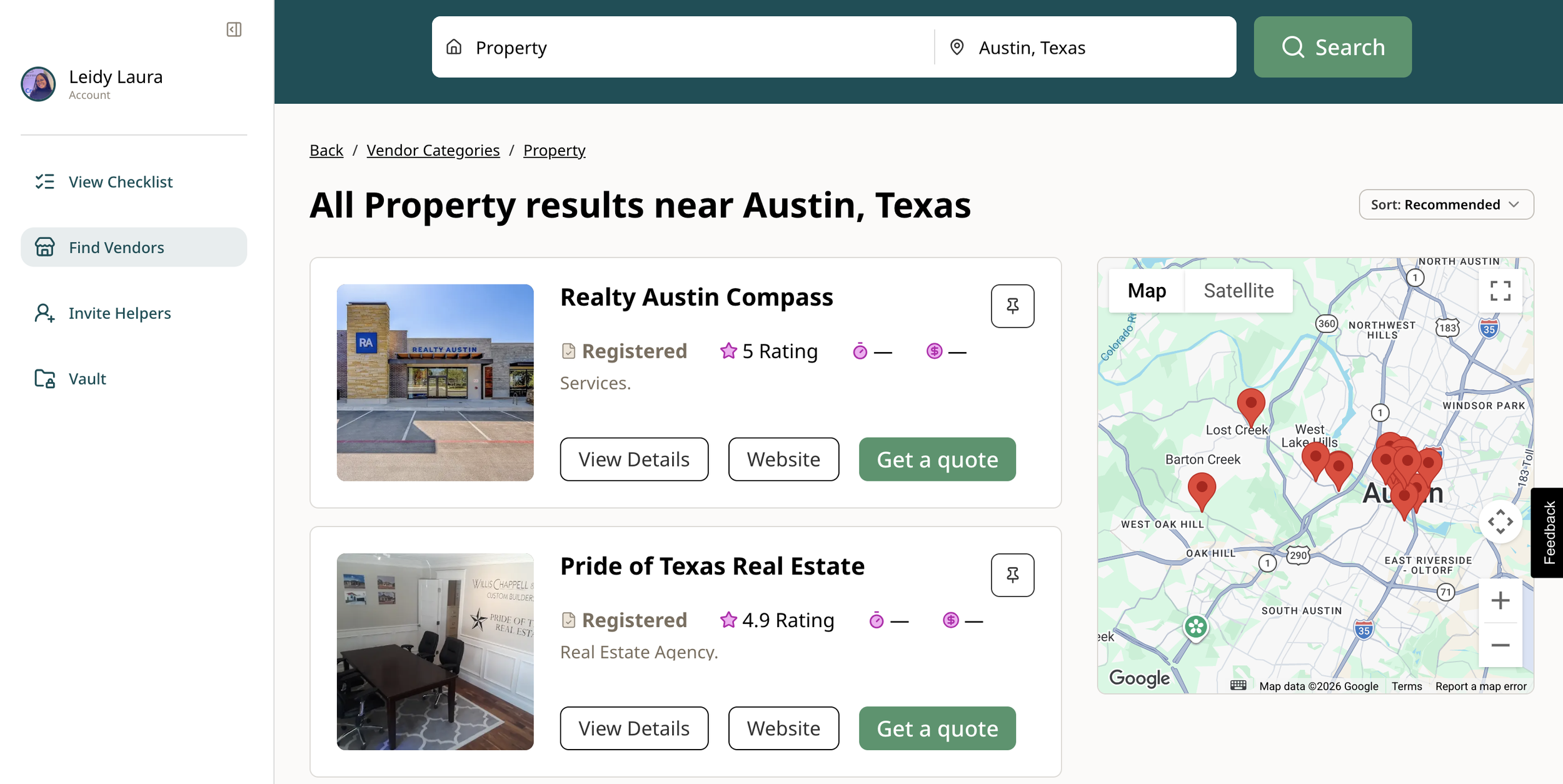
The Vendors area helps you discover funeral homes, attorneys, florists, and other services by category and location.
Each vendor has a detail page with relevant information. You can also link a vendor to a subtask or create a new subtask from a vendor when “find a probate attorney” becomes a real to-do.
On top of all of that, we want you to make a decision knowing that you’re going with a qualified, reliable choice. With that in mind, we make it easy to see reviews, currently from Google, but in the future from Yelp and other users.
Invite Helpers: you shouldn’t carry everything alone
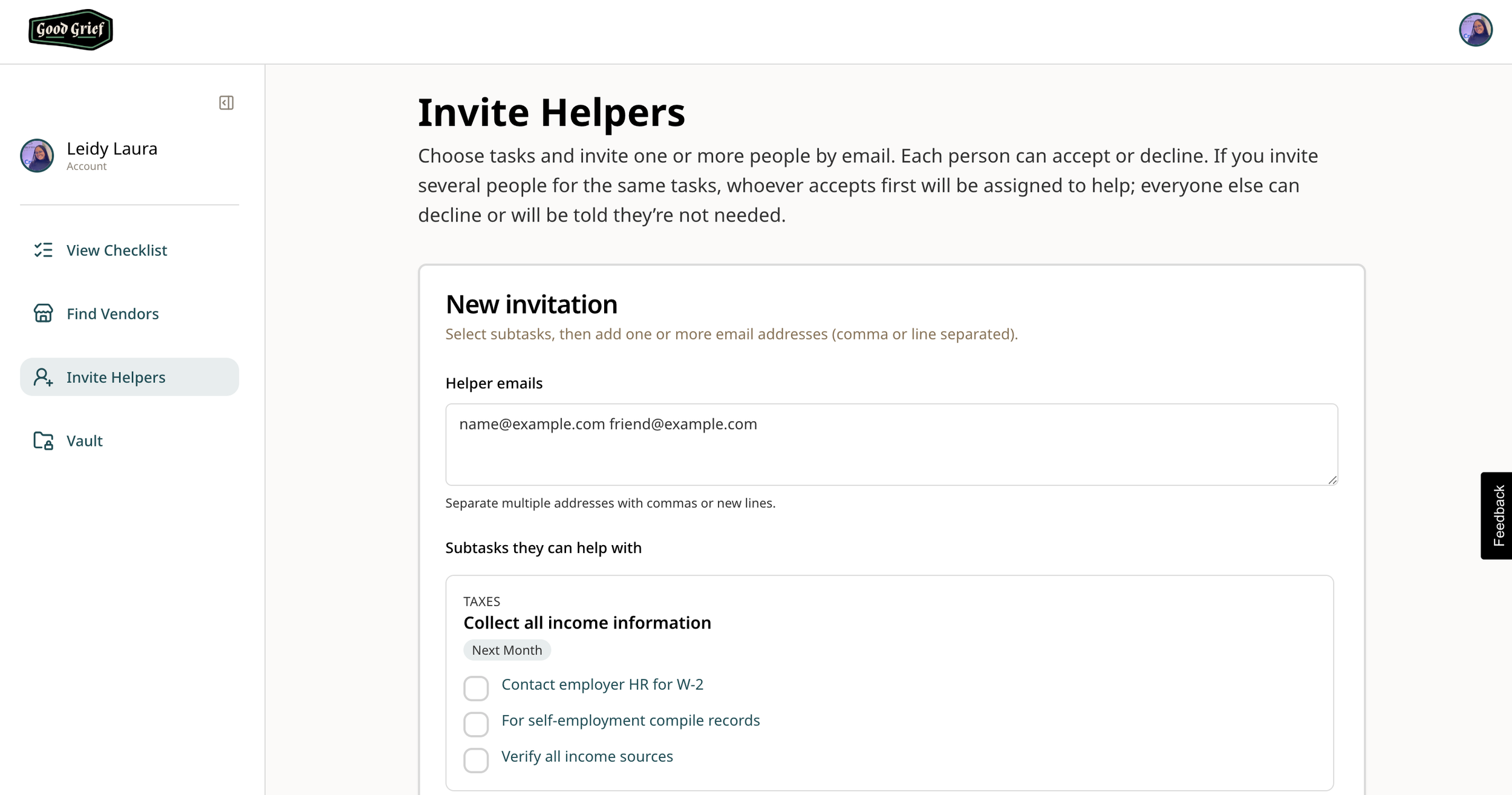
Grief is often managed by a small team, a spouse, an adult child, a sibling, a friend. Invite Helpers from your dashboard lets you bring trusted people into your Good Grief workspace so they can support the practical work, not just send casseroles.
Grief Assistant: practical help inside the app
The biggest recent addition is the Grief Assistant: an AI agent built to anticipate what you need to get done and help you get there.
It understands your checklist progress, profile/quiz context, vault filenames, and where you are in the app. It can search tasks (“what about insurance?”), suggest what to do next, help with vendor searches, and even navigate you to the right page or document when you ask plainly.
We’re explicit in how it’s designed: practical and warm, not clinical. It won’t replace a therapist, lawyer, or doctor, but it can reduce the friction of “where was that task again?” at 11 p.m.
Behind the scenes we’ve also started a conversational quiz path and an even more robust Today interface so the app can eventually feel more like a conversation and less like a form. Still early but pointed at the same goal: meet people where they are.
What’s next
We’re not done. Helpers, vault, custom tasks, and the Grief Assistant are all moving targets. We’re iterating on invitations, bulk uploads, smarter onboarding, and automations that make the most difficult tasks easier to manage.
If you’re using Good Grief today, thank you for trusting us with something this hard. If you haven’t started yet, the checklist is still free to explore, and it’s a lot more useful than it was before.
This isn’t a one way street either. We want your feedback on what would help YOU. We’re building Good Grief because we want to make a tough experience easier to manage. We don’t always have the answers or can think of every possible scenario. Tell us what you’d like to see next!