Digital clutter is the new “stuff.” This guide breaks down how to clean up your email, passwords, subscriptions, and photos using a Swedish Death Cleaning mindset—so your digital life stays organized and easy for loved ones to manage.
Thanksgiving (for those of us in the US) often marks the transition towards the end of the year, embracing gratitude, and thinking about what the coming year will bring. A lot of people also use it as a natural transition to address their stuff: new cool stuff if you’re lucky and Santa is nice, maybe donating or getting rid of the stuff that you no longer need, and thinking about all the stuff you’re grateful for.
One of the areas of stuff that many of us neglect is our digital stuff: the sprawl of accounts, logins, and subscriptions. If you’re inbox zero maybe this isn’t a problem you have, but for most people a lot could be done to get your “virtual” life in order. Let’s explore some of the solutions, myths, and strategies to deal with your digital stuff.
Email Overload - Do Unsubscribe Tools Help?
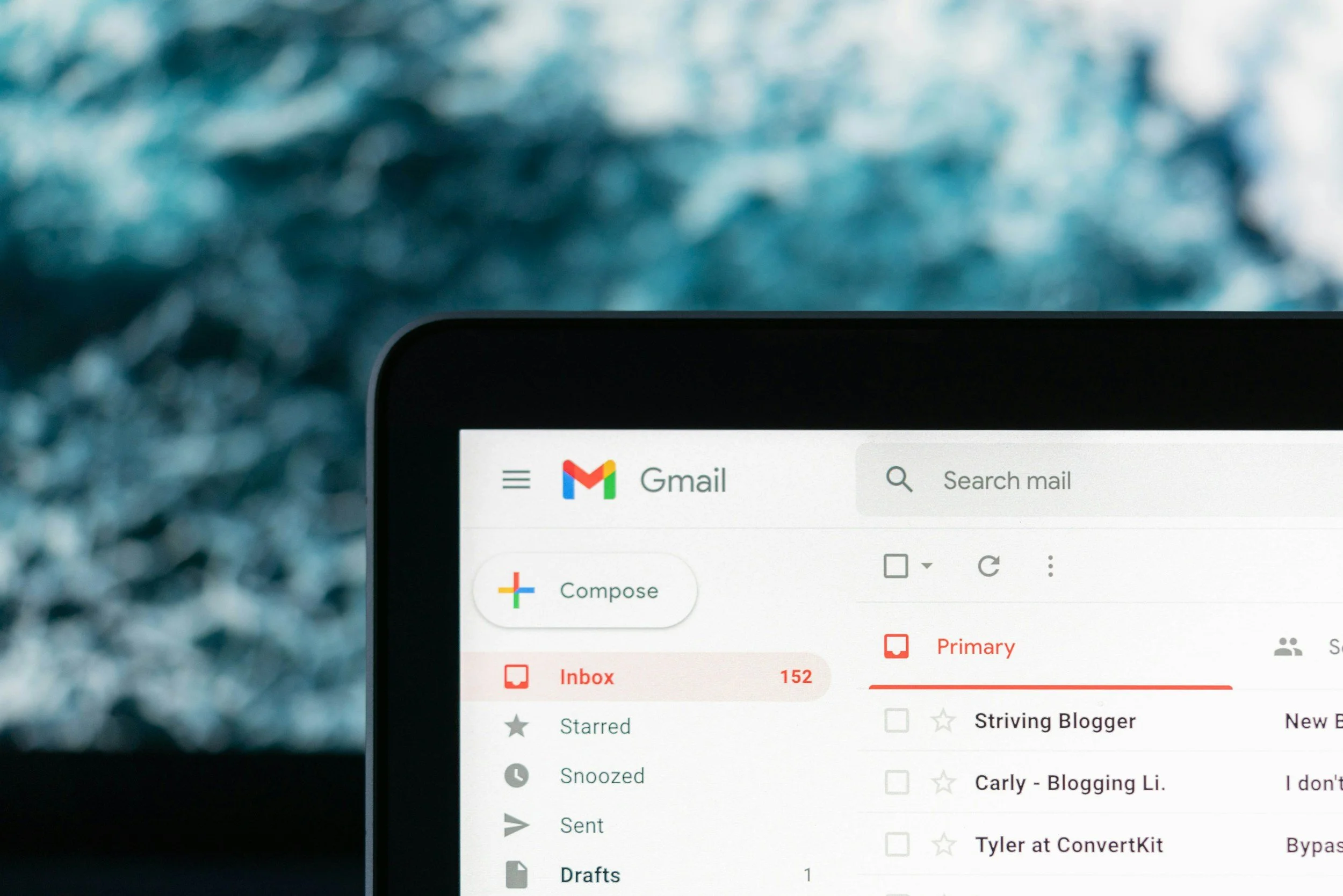
Let’s start with the bad news. Unsubscribe tools and services… are largely a myth. Long ago a tool called “Unroll.me” caught my attention, this was before most email platforms offered their own “unsubscribe button”. While thrilled at the prospect of cutting down on the number of emails I was receiving, it just never seemed to make a dent. The rapid growth and adoption of social media platforms, marketing tactics, and web-based tracking means that once your email is “out there” there’s no escaping. The advertising machine is built to keep tabs on what you’ve viewed, what you’ve purchased, and anything that might be adjacent to any service, product, or idea that you’ve uttered out loud.
So isn’t there a service or a tool out there that can help you get rid of these emails? According to a New York Times Wirecutter article, the answer is no. These services don’t actually work. The article summarizes, “unsubscribe tools we tested create email rules or filters that send unwanted messages to subfolders in your email inbox or simply deposit them in the trash bin, where they take up valuable storage space”.
Unfortunately most of these tools simply do what you can easily do on your own. Let’s look at some of the options for tackling your inbox:
- When you see emails you don’t want, set aside a little time every day to unsubscribe from the emails you receive that you don’t want to see.
- Create or use filtering to easily prioritize what matters or what you want to see, delete or unsubscribe from the rest. (This is what services like Leave Me Alone and Clean Email are doing. Hidden but not gone).
- If unsubscribing doesn’t “take”, make aggressive use of the Spam button.
- Keep an eye out for hidden check boxes every time you make a vendor purchase online, and try to make sure you’re opting-out of more emails.
Tracking Subscriptions - The Ones That Cost Money
Another worthwhile digital clean up task is reviewing your subscriptions. Are you still paying for a digital service you no longer use? When’s the last time you logged in to … Ancestry or hey are you still actually watching anything on Hulu? Take some time to review the subscriptions you’re paying for. What’s linked to your Apple ID? What kind of subscriptions have you signed up with using Google or Microsoft or through your Amazon account? Here are some tips and tools to find and remove unwanted subscriptions:
- Take some time to look through the Apple App Store or Google Play Store to see what you may no longer be using.
- Check for subscriptions attached to your Amazon account, including auto-delivery for certain items or subscriptions to online publications.
- The next time you sign up for a free-trial create a calendar reminder to cancel so you don’t end up paying for something you forgot you signed
- Take a look at some of the tools listed in this CNBC Article that can help you identify subscriptions.
A service like Rocket Money,which you can try for free for 7 days or test out for a monthly fee ($6-12), can help you identify subscriptions, cancel subscriptions you no longer want, and even negotiate lower rates.
Keeping Track of Logins - Upgrade From Your Sticky Notes to a Password Manager
One of the perils of life online is trying to keep track of credentials. What password did you use? If you’re like many you may be using more than one email address. Trying to make sure you can remember your password leads many people to opt for the easiest path, for example PC Magazine shared that.. “some people use simple passwords that are easy to remember, and others memorize one complex password and use it everywhere online. Either option is a recipe for disaster in the form of identity theft or an account takeover, so don’t do it.” According to Forbes 46% of Americans admitted their password was stolen within the last year.
The main takeaway here is, we agree with PC Magazine, most people probably need better passwords and multi-factor authentication. A powerful way to take control of this data, and a helpful tool to protect your privacy is to use a password manager. This also has the added benefit of making access to your digital life easier to share with a loved one in the event of an emergency, or your unexpected death.
If you’re not familiar, a password manager is a tool that tracks online credentials (usernames, passwords, and typically web addresses/URLs, and stores them in a secure service with access through a single complex password. They’re obviously not without their own risks (losing the master password, having a single point of failure, etc.) but are generally a huge improvement over the choices most people make.
Take a look at many of the solutions like:
Digital Photos - Is Social Media Really Where You Want to “Keep” Those?
Whether you’re a serious photographer, hobbyist, or just a shutterbug with a lot of beloved images of travels, friends, and family, chances are, you have a ton of photos online.
For iPhone or Android users, most folks default to the built-in storage tools that come as part of the ecosystem. But even with those tools, having a secondary backup, or taking the time to organize images into albums or other keepsakes is something we can easily neglect. It feels like they’re all “there” for us to attend to later.
But what if your phone gets lost or damaged and your vacation photos weren’t backed up. Most online storage options are reliable but what if the only copy you have of certain photos of a beloved family member is on Facebook but nowhere else?
Here are some tips to make sure your photos are safe and ways to get organized.
-
Pick your tool - If you’re not already embedded into the Apple or Google world - check out reviews of photo management tools. Pick a single tool and get organized.
- Group photos by events, locations, seasons within a year. Whatever works.
-
Back up your photos. Ensure that whatever you’re using to take photos (they’re set to automatically back up).
- If you have cloud storage, use that as an opportunity to make folders and sort.
-
Preserve your favorites. Have a physical album printed, or create a photo book for yourself of a specific trip. Get prints made to frame.
- Set aside time once or twice a year to go back and get organized and add to your gallery or photo albums.
Conclusion - A Useful Chore to Add to Your List
It’s strange to think of your digital footprint as “stuff” and yet, the amount of time we all spend online, for fun or just for the tasks that are part of everyday it takes up a lot of our time and energy. Getting your digital stuff in order is definitely a task worth treating like any regular housekeeping chore. Finding ways to organize it, downsize, and clean it up will make your life easier to manage and may even save you some money.
💡 Helpful Tip
Tackle a smart digital planning task. Add a Legacy contact to your phone. Whether it’s with Apple, Android, or through the service provider. Take the steps to ensure a loved one can access important data on your phone in the event of an emergency.
Related reading: If someone you love has died and you need to find their accounts, see our guide on the best account and asset discovery tools after death. You’ll also want to read about protecting the estate from identity theft and fraud — the recently deceased are a common target for scammers.